
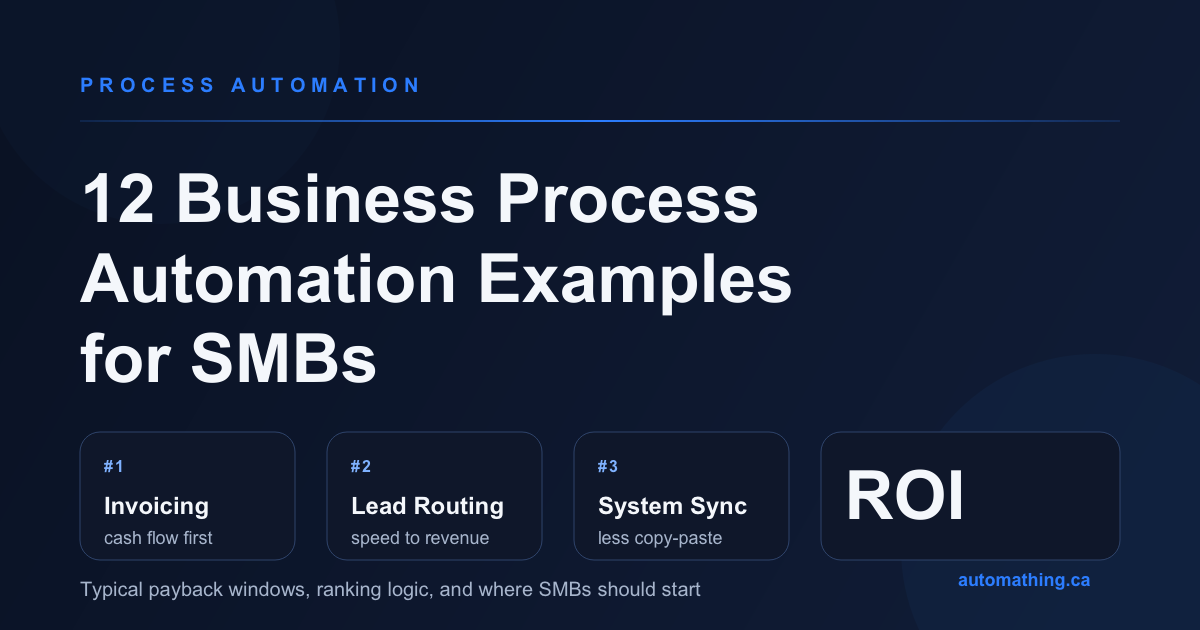
Most SMBs do not have an automation shortage. They have a prioritization problem.
The gap between an automation project that pays back fast and one that quietly stalls usually has nothing to do with the tool. It comes down to whether the process is frequent enough, manual enough, and expensive enough in errors or missed opportunities to justify the effort.
That is why the best question is not "what can we automate?" but "what should we automate first?" The ranking below reflects the patterns we see most often in SMB environments: the highest-ROI workflows tend to be high-volume, rule-based, tied to revenue or cash flow, and painful when handled manually.
If you want the exact scoring logic behind this ranking, start with our guide on how to choose what to automate first and run your own shortlist through the Automation Priority Calculator.
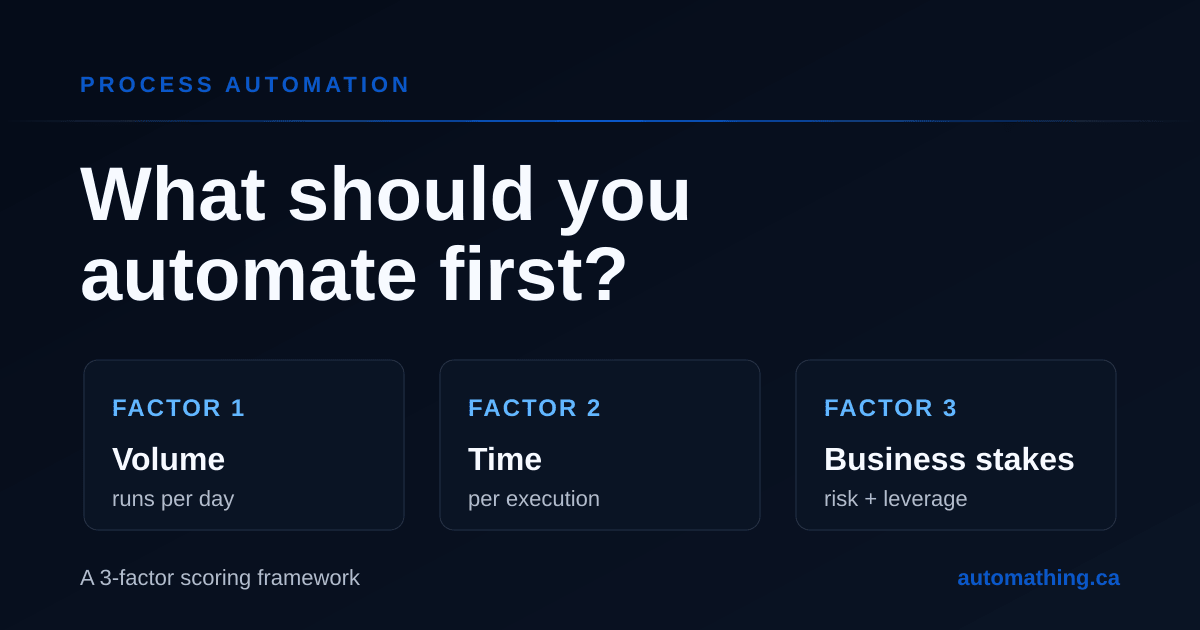
How to Choose What to Automate First: a 3-Factor Scoring Framework
Use a simple 3-factor framework to rank automation candidates by volume, time, and business stakes before you build anything.
How this ROI ranking works
We rank a process higher when it scores well on four dimensions:
- Volume: how often the workflow runs.
- Hands-on time: how much manual work each run actually consumes, including copy-paste and tool switching.
- Error cost: what mistakes create in rework, delays, customer friction, or write-offs.
- Business leverage: whether the automation only saves back-office time, or also accelerates revenue, collections, fulfillment, or scale.
The payback windows below are not fixed promises. They are directional ranges for well-scoped SMB projects with digital inputs and clear ownership.
- Very high ROI: often pays back in under 6 months.
- High ROI: often pays back in 6 to 9 months.
- Solid ROI: often pays back in 9 to 12 months.
The ranking at a glance
| Rank | Process | Typical payback | Why it ranks high |
|---|---|---|---|
| 1 | Invoice generation and payment reminders | 2-6 months | Frequent, visible, tied directly to cash flow |
| 2 | Lead routing and follow-up triggers | 2-6 months | Fast revenue impact, low tolerance for delay |
| 3 | CRM, accounting, and ERP data synchronization | 3-6 months | High-volume copy-paste, repeated error source |
| 4 | Quote and proposal generation | 3-8 months | Saves senior time and speeds up deal flow |
| 5 | Customer support triage and FAQ routing | 3-8 months | High repetition, faster first response |
| 6 | Order entry from emails and PDFs | 4-8 months | Heavy admin burden, costly manual errors |
| 7 | KPI reporting and recurring dashboards | 4-9 months | Reclaims managerial time every week |
| 8 | Approval workflows | 4-10 months | Removes coordination drag across teams |
| 9 | Accounts payable and expense processing | 5-10 months | Repetitive validation and exception chasing |
| 10 | Employee onboarding and offboarding | 5-10 months | Multi-step, cross-system, error-prone |
| 11 | Scheduling and dispatch coordination | 5-12 months | Time-sensitive and operationally messy |
| 12 | Inventory alerts and replenishment triggers | 6-12 months | Strong leverage, but depends on system quality |
1. Invoice generation and payment reminders
This is the classic SMB automation win because it combines frequency, standard rules, and direct financial impact. The time savings matter, but the bigger gain is often faster collections: invoices go out on time, reminders are consistent, and nobody has to remember which accounts need a follow-up.
If your billing process still depends on manual exporting, drafting, sending, and chasing, this usually belongs near the top of the list. It is also one of the clearest examples of why automation ROI should be measured beyond labor savings alone.
2. Lead routing and follow-up triggers
Many SMBs lose deals not because leads are bad, but because the response is slow and inconsistent. A form submission that sits in an inbox for six hours is often the difference between a sales conversation and a missed opportunity.
Automating lead capture, qualification tags, assignment, and first follow-up can pay back extremely quickly because it affects top-line revenue, not just internal efficiency. Revenue-touching processes rank high even when the raw time savings are modest.
3. CRM, accounting, and ERP data synchronization
Manually moving data between systems is one of the most common forms of operational waste. It is also one of the easiest places for errors to multiply: one wrong customer status, one missing amount, one missed sync, and three teams are now working from different realities.
This is where systems integration and workflow automation overlap. If your team regularly re-enters orders, contacts, invoices, or project data, eliminating that duplicate handling often produces a faster payoff than a more glamorous automation initiative.
For a deeper look at this category, see our guide to ERP and CRM integration for SMEs.
4. Quote and proposal generation
Proposal work tends to consume expensive hours from sales leads, founders, and account managers. When pricing rules, standard sections, approvals, and CRM data can be assembled automatically, turnaround times shrink and teams send more quotes without adding headcount.
This is especially attractive for service businesses with recurring proposal patterns. A workflow that drafts the right version, pulls the right numbers, routes internal review, and logs the output back to the CRM often pays back long before a larger platform project would.
5. Customer support triage and FAQ routing
Support teams are often buried by repetitive first-touch questions: order status, password issues, billing requests, shipping delays, appointment updates. Automating the first layer of triage can classify requests, trigger acknowledgements, route the right cases, and answer the simplest ones instantly.
This does not have to mean replacing humans. In many SMB environments, the high-ROI version is a hybrid model: automation handles categorization and repetitive answers, while people handle exceptions and judgment-heavy requests. Our article on AI chatbots for customer service goes deeper on where that line should be drawn.
6. Order entry from emails and PDFs
When orders arrive by email attachment, PDF, or semi-structured forms, the hidden cost is larger than it looks. The team is not just typing data; it is checking fields, correcting formatting, switching systems, and cleaning up the inevitable mistakes afterward.
This kind of workflow becomes even more attractive when 70% to 90% of cases follow a recognizable pattern and the rest can be routed to a human review queue. That is often a better first use of AI-assisted automation than a flashy agent project, because the business value is immediate and measurable. We cover that pattern in our broader guide to automating SME processes.
7. KPI reporting and recurring dashboards
Weekly and monthly reporting feels harmless until you add up how many senior hours disappear into assembling the same numbers again and again. In many SMBs, managers are still exporting CSVs, reconciling spreadsheets, fixing column mismatches, and reformatting the same deck every reporting cycle.
Automating those pipelines does not only save time. It also improves decision quality because the team works from fresher data and a shared version of the truth. Reporting automation rarely gets celebrated, but it is one of the most reliable "boring and profitable" wins.
8. Approval workflows
Purchase approvals, expense approvals, discount approvals, vacation requests, project sign-offs: none are individually dramatic, but together they generate an endless layer of small delays and follow-up messages.
Approval automation performs best when the routing logic is stable: amount thresholds, department rules, manager hierarchy, required attachments, escalation windows. The payoff comes from reduced coordination friction and better traceability, especially once multiple teams are involved.
9. Accounts payable and expense processing
This is the mirror image of invoice automation on the outbound side. Bills arrive in different formats, receipts get lost, coding is inconsistent, and approvals stall because nobody has a clean handoff from submission to validation to posting.
The ROI is usually strong when the company processes meaningful volume, but the ranking sits slightly lower because exception handling can get messy faster. The best candidates are the parts with clear rules first: intake, extraction, duplicate checks, approval routing, and posting preparation.
10. Employee onboarding and offboarding
This process touches many systems at once: HR records, IT accounts, equipment, permissions, training, payroll, checklists, and notifications. When it is manual, teams miss steps, create security risk, and waste a surprising amount of coordination time.
The ROI is higher than many leaders expect because the process is not only administrative. Clean onboarding improves time-to-productivity, and clean offboarding reduces compliance and access risk. It becomes especially attractive once hiring volume rises or turnover makes the manual version visibly brittle.
11. Scheduling and dispatch coordination
Field service teams, appointment-based businesses, and multi-location operators often run on fragile scheduling rituals: phone calls, spreadsheets, inboxes, text messages, and constant last-minute reshuffling.
Automation can help assign work, confirm appointments, push updates, and surface conflicts before they become customer problems. The reason it ranks lower is not lack of value, but implementation complexity: the rules often look simple until real-world exceptions appear.
12. Inventory alerts and replenishment triggers
Inventory automation can be transformative when stockouts, rush orders, and manual reorder decisions are recurring pain points. A good workflow can watch thresholds, seasonality, vendor lead times, and current demand signals to trigger the right action earlier.
It ranks last here only because the payoff depends heavily on data quality and system maturity. If product data, lead times, or stock counts are unreliable, the automation amplifies the mess instead of fixing it. Done on top of clean systems, however, it can be a major scaling unlock.
Which three examples should an SMB automate first?
Do not copy the ranking blindly. Use it as a shortlist, then match it to your operating model.
- Service firms often get the fastest wins from invoices, proposals, lead routing, and reporting.
- Distributors and manufacturers usually find the most value in order entry, system synchronization, inventory triggers, and approvals.
- Operations-heavy back offices often start best with accounts payable, reporting, onboarding, and approval flows.
If you only take one lesson from this article, make it this: the right first automation is usually the one with the clearest line to money, errors, or throughput, not the one that feels most modern.
When to use Zapier, Make, n8n, or custom automation
Tool choice matters, but it matters after prioritization.
- Use a connector-first approach when the apps already expose good APIs, the rules are simple, and the workflow is mostly moving structured data from one place to another.
- Use more flexible orchestration when branching logic, approvals, retries, observability, or self-hosting requirements become important.
- Use custom automation when the workflow includes messy documents, deep business rules, customer-facing portals, or exception handling that no template can model cleanly.
That is the point where a lightweight automation task turns into a broader process automation or systems integration project.
Common mistakes when choosing automation examples to copy
Starting with the loudest complaint. Teams often automate the most annoying workflow, not the most valuable one.
Ignoring exception volume. A process that looks repetitive from far away may actually be 40% edge cases.
Measuring only time savings. The best ROI often comes from fewer errors, faster response times, and better cash flow.
Picking the tool before the process. That leads to "where can we use this platform?" instead of "what should the business fix first?"
Frequently asked questions
What is an example of business process automation?
A business process automation example is any repeatable multi-step workflow that moves from manual handling to system-driven execution. Invoice reminders, lead routing, approval chains, and order entry from PDFs are all common examples.
Which business process automation examples usually have the highest ROI for SMBs?
The highest-ROI examples are usually the ones tied to cash flow, revenue speed, or repetitive cross-system admin work: invoicing, lead routing, data synchronization, proposals, and support triage.
How much does business process automation cost?
Simple automations built on top of existing tools cost far less than workflows that require document understanding, custom portals, or multiple system integrations. The right way to estimate cost is to compare it against the monthly value recovered, not to look at build cost in isolation.
Should SMBs automate with AI or with rules first?
Start with rules when the process is structured and predictable. Add AI when the bottleneck is classification, document extraction, unstructured language, or judgment assistance. The best result is often a hybrid flow where AI handles ambiguity and a deterministic workflow handles the rest.
How do we decide what to automate next after the first win?
Score the next batch the same way: volume, time, error cost, and business leverage. Once you have one visible success, the second and third priorities become easier to defend. Our Automation Priority Calculator was built exactly for that.
Turn the list into a roadmap
The best automation article is not the one with the most examples. It is the one that helps you choose the next example with confidence.
If you want help turning this ranking into a practical roadmap for your own business, our process automation services start with the same exercise: identify the top three workflows, estimate the payoff, and build only what clears the bar. Book a free discovery call and we will help you rank the real opportunities hiding in your day-to-day operations.